Stack Rocket
Stack Rocket is a free strategy game you can play instantly in your browser — no download needed.
How to play Stack Rocket
- Press Play now — the game loads right here, with no download or sign-up.
- On a phone, hold it upright — this game is designed for portrait screens.
- Tap Fullscreen for the biggest view; press Esc or the ✕ button to exit.
- The game’s own start screen shows its controls and goal.
Stack Rocket FAQ
- Is Stack Rocket free to play?
- Yes. Stack Rocket is free to play on Zigamo. Like most free browser games, it may show ads from its distributor, which is what keeps it free.
- Do I need to download or sign up?
- No. Stack Rocket runs in your web browser as an HTML5 game. Press Play and it starts — no app, no install, no account.
- Can I play Stack Rocket on my phone?
- Yes — it works in mobile browsers on Android and iPhone, as well as on tablets and computers. On a phone, hold it upright — this game is designed for portrait screens.
- Will my progress be saved?
- If the game saves progress, it stores it in your browser. Play on the same device and browser to pick up where you left off.
- What games are similar to Stack Rocket?
- If you like Stack Rocket, try Defend the Castle, Perimeter - Legate Edition or Emberdeck, or browse all strategy games.
More strategy games
See all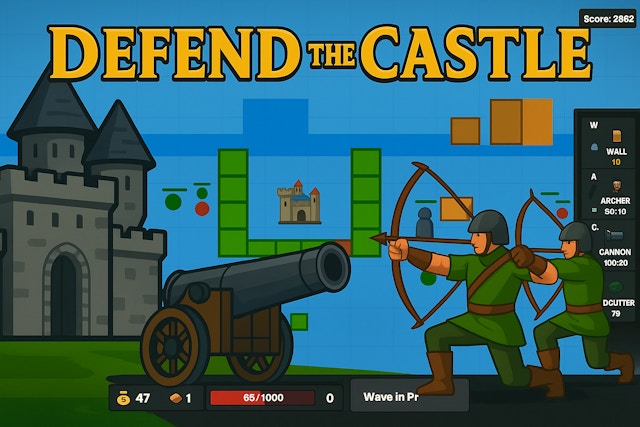 Defend the CastleStrategy
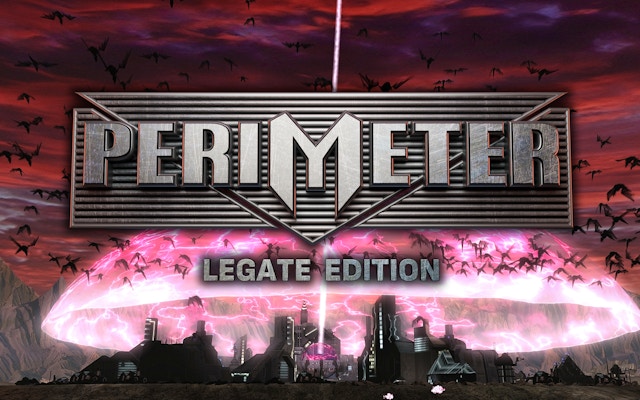 Perimeter - Legate EditionStrategy
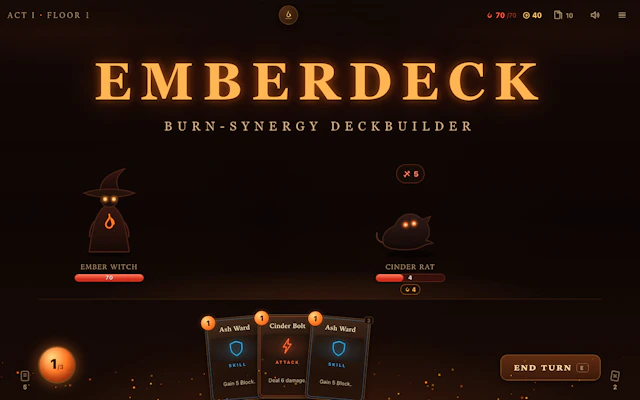 EmberdeckStrategy
 BattleBoxStrategy
 Stickman Simulator Final BattleStrategy
 Babel TowerStrategy
 WW1 Battle SimulatorStrategy
 4 Colors MultiplayerStrategy
 Tower CrushStrategy
 Empire Tower Defense - Zombie FortressStrategy
 Tower DefenseStrategy
 TRZ BattleshipStrategy